Kigali at dusk, the Convention Centre and downtown towers lit

Rwanda should already be using AI like this.

You still run daily jobs by phone, because the AI that could help takes setup most businesses do not have.

You already do these jobs by phone and by WhatsApp.

A workflow is a job your business repeats every day, handed to software that does it for you in a chat. That job can be taking bookings, answering the same customer questions, or collecting daily sales.

We build the workflow, connect it to your data, and set it up on your phone, so you just use it. We start with small and medium businesses, because their problems are the easiest to see and fix. Hospitals come next, and government service desks after that.

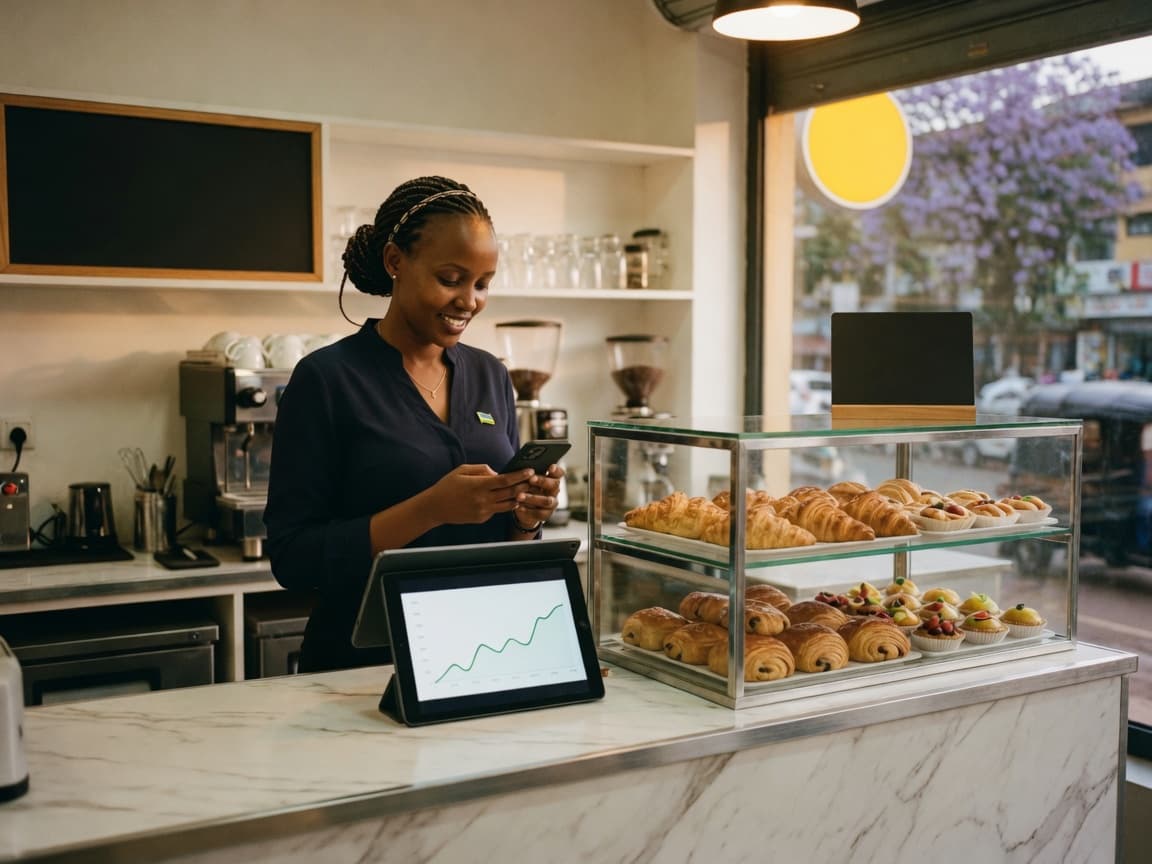
A cafe owner checking a phone beside a tablet on a clean counter

You still phone the second shop for today's numbers

If you run more than one site, you still call each desk for sales, stock, and what went wrong on the floor. A workflow can read the till and the stock list, then send a restock order back to the person on shift, in the same chat you already use.

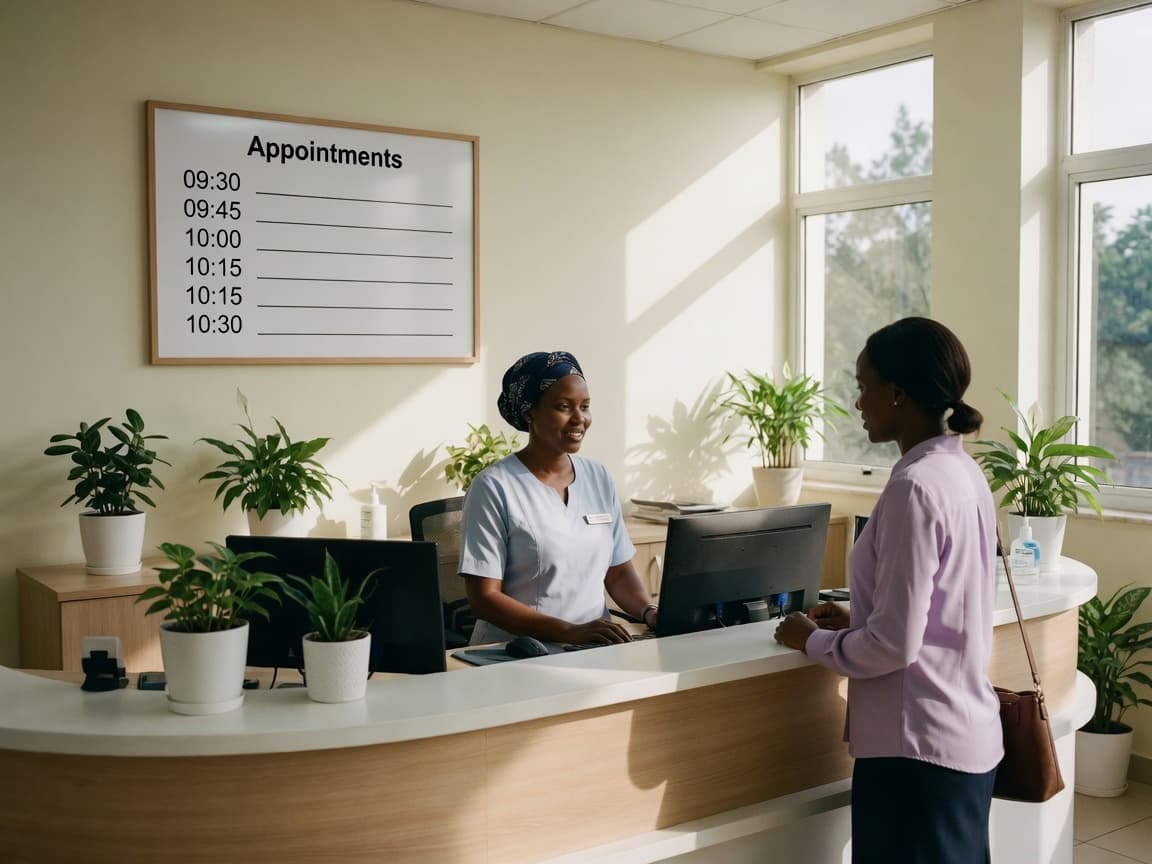
A hospital receptionist speaking with a visitor at a clean desk

The appointment book still sits with the doctor

Patients already write on WhatsApp to change a time, but a person still moves the book by hand. A workflow can take the request, check the book, and send the reminder the night before, so staff walk into a room that is already set.

A public-service officer meeting a citizen at a municipal desk

The same pile of forms waits at the public desk

People still stand in line with questions about filings and service windows. A workflow can answer the common questions from your own notes, start a form, and then stop when a person must sign.

We start with five workflows, because these are the jobs we hear about most.

For now we build each workflow, put it on this site, and install it for you. Later, other people in Africa will be able to list a workflow, free or for sale. These five are only the start.

A cafe owner checking live numbers on a phone and tablet

01 of 05

Daily numbers

Owners with more than one shop or site

You still call every manager at close of day for sales, stock, and what went wrong, because those numbers live in different tills and phones.

One chat collects the till and the stock list, then carries a restock order back to the person on shift.

  1. You ask in chat how the second shop did today.
  2. The workflow reads the till and the stock list, then it writes the numbers back to you.
  3. If you send a restock order, the person on shift gets it in the same chat.
A hospital reception desk with a visitor booking a time

02 of 05

Appointments

Hospitals and clinics

Patients already write to change a time, but a person still moves the appointment book by hand, so slots get lost.

Patients book, shift, and get a reminder in chat, so staff walk into a room that is already set.

  1. A patient writes to ask for a time.
  2. The workflow checks the book and confirms the slot, so staff do not move it by hand.
  3. The night before, it sends the reminder to the patient's phone.
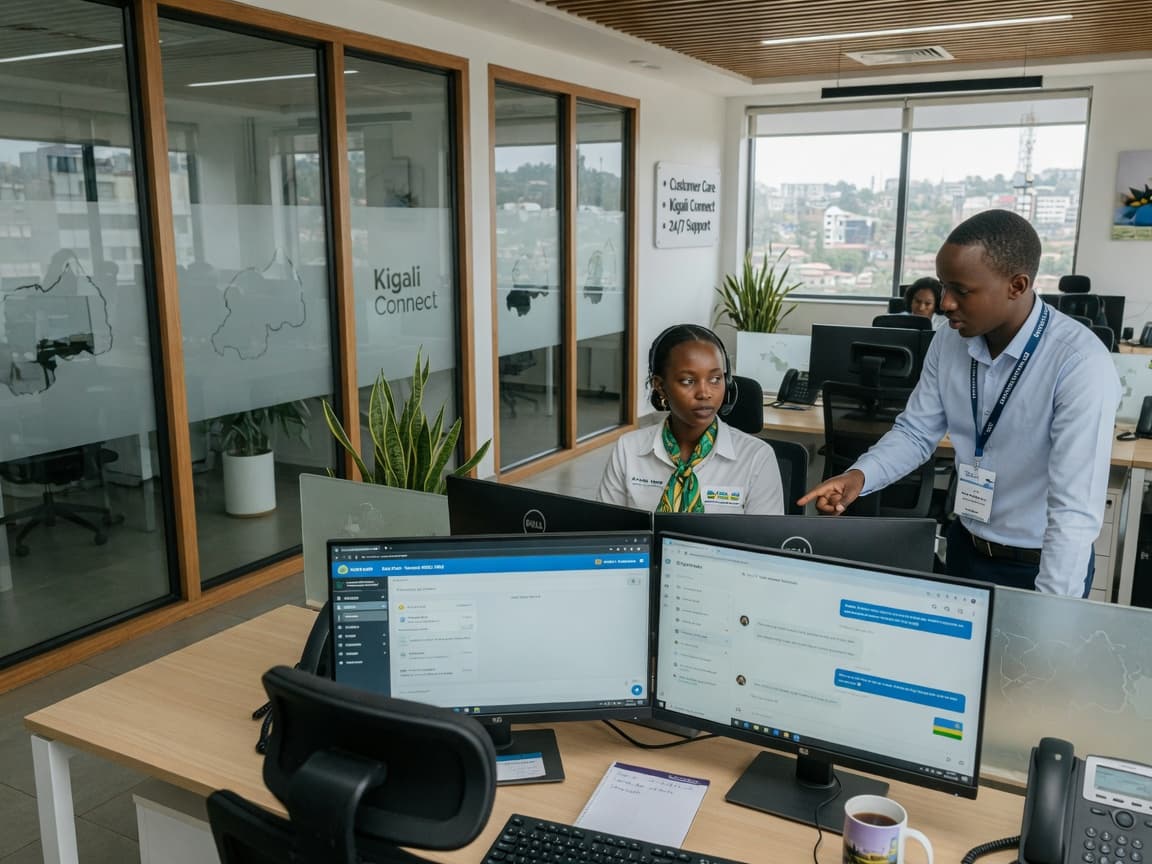
A customer-care floor with headsets and live chat screens

03 of 05

Customer questions

Any team that answers the same questions every day

Staff type the same answers about hours, prices, and stock, so the hard cases wait in the same queue.

Common questions get a first answer from your own notes, and hard ones go to a person with the full chat attached.

  1. A customer writes in on WhatsApp or in the app.
  2. The workflow answers from the notes you already use, so staff are not typing the same reply again.
  3. If it is not sure, a person takes the chat with the full thread attached.
Two colleagues at a desk completing a welcome pack

04 of 05

New hire papers

Teams that grow faster than their paper

On day one the new person still hunts for the contract, the group chat, and the first-week checklist.

Contracts, checklists, and first-week tasks move in chat, so you do not chase anyone for a signature.

  1. You add the new name in chat.
  2. The workflow sends the pack and tracks what is signed.
  3. On day one the checklist is already open on their phone.
A tidy desk with folders, a phone, a laptop, and a calculator

05 of 05

Filings

Anyone who still keeps a paper pile for RRA or other forms

The RRA declaration and the other forms wait until someone has a free afternoon, because the records sit in different places.

You name the filing. The workflow gathers what it can from the records you already keep, then it stops when a person must sign.

  1. You say which filing is due, such as an RRA declaration.
  2. The workflow pulls the records it may read and fills what it can.
  3. You approve on your phone, and nothing goes out without that yes.

The five workflows we start with.

Daily numbers

Owners with more than one shop or site

Appointments

Hospitals and clinics

Customer questions

Any team that answers the same questions every day

New hire papers

Teams that grow faster than their paper

Filings

Anyone who still keeps a paper pile for RRA or other forms

Daily numbers

Owners with more than one shop or site

Appointments

Hospitals and clinics

Customer questions

Any team that answers the same questions every day

New hire papers

Teams that grow faster than their paper

Filings

Anyone who still keeps a paper pile for RRA or other forms

Once you name the job, we connect the software and you send it from your phone.

  1. You name the job

    You point at a real task: the evening call for numbers, the bookings that get lost, or the RRA filing you keep putting off. We do not sell one setup for every business, because the job has to match your day.

  2. We connect it to your records

    We choose the software, connect it to the records you already keep, and put the chat on your phone. Your sales records and patient files stay in the systems you use now, and we do not copy them anywhere else.

  3. You send the job from chat

    You write in WhatsApp, or in the app we give you, the same way you write to a staff member. The workflow does the work, or it stops and waits for your yes when money or a signature is involved.

Your sales records and patient files stay in the systems you use now.

Your records stay where they are

Your sales records and patient files stay in the systems you use now. We do not copy them anywhere else, and the workflow only reads what you allow it to read.

It stops when money or a signature is involved

If the job touches Mobile Money, an RRA filing, or a medical change, the workflow waits for your yes. It does the running, but it does not sign for you.

It writes the way you already write

You write in the same chat language you use with staff. The workflow answers in that language, so you do not learn a new system.

Here is what is hard, and what we have not solved yet.

We are writing this in the first person because these are our problems, not a list of market opportunities.

  1. 01

    Most owners we talk to do not yet know that this software exists, so the first conversation is teaching, not a demo.

    We will sit with five businesses first and walk through one real job they already do, before we try to sell at scale.

  2. 02

    If a workflow touches Mobile Money, an RRA filing, or a patient record, and it gets the job wrong, people will not give us a second chance in a market that runs on word of mouth.

    Every workflow that moves money or medical data must stop and wait for a person's yes before it sends anything.

  3. 03

    The software we use is open, so another company can copy a workflow. The part they cannot copy is the relationship.

    We sit with the owner, we set the workflow up, and we stay when it breaks, because that trust is the asset we will protect.

Kigali at dusk, civic and business towers lit

We need five businesses to start with, so we can install the first workflows on real work.

Give us 20 minutes and we will walk through one workflow using your actual numbers, bookings, or messages. If it fits, we set it up. If you want to try first, one public workflow is free.